


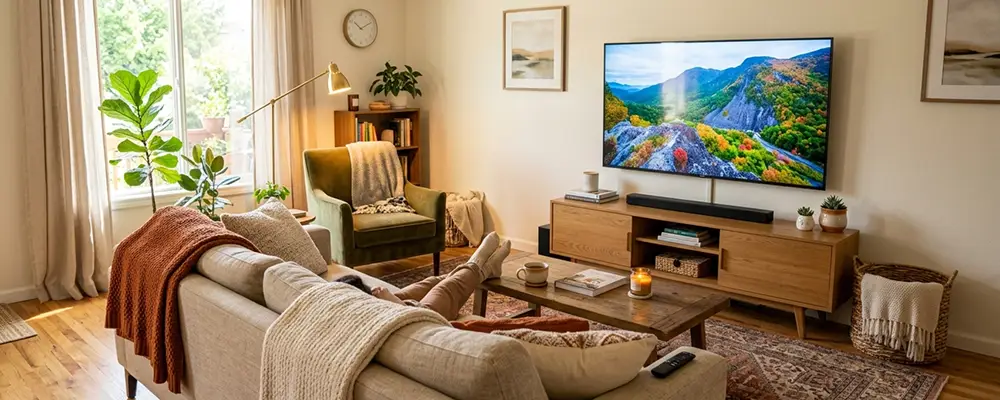
How Far Should Your Couch Be From the TV?
Most living rooms get the TV distance wrong in one of two ways. Sit too close, and the picture breaks into a "too big" image your eyes have to sweep across, which leads to strain over a two-hour movie. Sit too far, and you lose the sharpness and detail you paid for when you bought the screen.
So, how far should your couch be from the TV? The honest answer is a range, not a single number. It depends on your screen size, its resolution, and how you like to watch. It also depends on something most guides skip entirely: your sofa's seat depth and height, which change where your eyes sit as much as the tape measure does.
Key Takeaways
- The general rule of thumb is 1.5 to 1.6 times your TV's screen size (in inches) to get the ideal viewing distance in inches.
- A 4K TV lets you sit noticeably closer than a 1080p TV of the same size without losing picture quality.
- Measure from where your eyes actually land when seated, not from the front edge of the sofa or the wall behind it.
What Determines the Right Couch-to-TV Distance?
Two variables set the baseline. Screen size determines how much room the picture needs before it fills your view comfortably, and resolution determines how close you can sit before the image starts to look soft or pixelated. Together, they give you a target distance in inches.
Your furniture decides how that target plays out in a real room. Seat depth moves your eyes forward or back, seat height raises or lowers your eye line, and the height of your TV stand sets where the screen lands relative to it. A 31-inch-deep seat puts you roughly 8 to 9 inches farther from the screen than a 22-inch seat.
Most online calculators only handle the TV side. That's why the question "how far should the couch be from the TV?" has two halves, and this guide covers both.
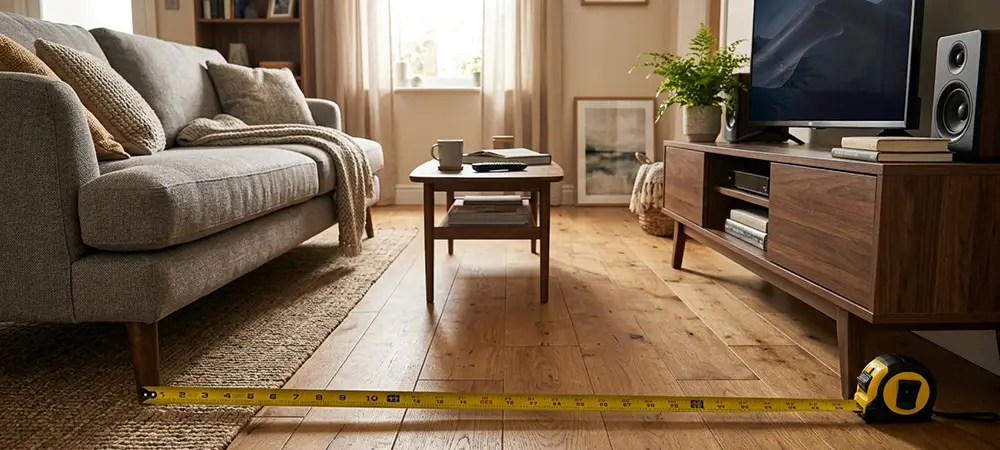
Screen Size and Resolution Impact
The core relationship is simple: larger screens need more viewing distance. Sit too close to a 75-inch TV, and the edges drift into your peripheral vision, so you turn your head to follow the action.
Resolution changes how close "too close" is. A 4K TV packs four times the pixels of a 1080p screen into the same space, so the image stays sharp at a shorter distance. In practice, you can sit roughly 20 to 30 percent closer to a 4K TV than to a 1080p TV of the same size before the picture starts to soften.
Since 4K is now the standard on nearly every TV sold, it's the number most buyers should plan around. Use the table below as a quick answer to "how far should the couch be from the TV?" for common screen sizes.
| TV size | Everyday range (1.5–1.6×) | Cinematic, 4K only (≈1.2×) |
|---|---|---|
| 43" | 5.4–5.7 ft (64–69 in) | 4.3 ft (52 in) |
| 50" | 6.2–6.7 ft (75–80 in) | 5.0 ft (60 in) |
| 55" | 6.9–7.3 ft (82–88 in) | 5.5 ft (66 in) |
| 65" | 8.1–8.7 ft (98–104 in) | 6.5 ft (78 in) |
| 75" | 9.4–10 ft (112–120 in) | 7.5 ft (90 in) |
| 85" | 10.6–11.3 ft (128–136 in) | 8.5 ft (102 in) |
Field of View Standards
Field of view is how much of your horizontal vision the screen fills from where you sit. It explains why a 55-inch TV can feel huge in a small den and modest in a great room: the screen didn't change, but the angle did.
The Society of Motion Picture and Television Engineers (SMPTE) recommends a minimum 30-degree field of view for comfortable everyday viewing, the kind of mixed use that covers news, sports, and weeknight shows. For a more immersive, cinematic feel, SMPTE guidance stretches up to about 40 degrees.
THX, the home-theater certification group often cited alongside SMPTE, points to roughly 40 degrees for movie-focused rooms. Together, the two standards make 30 to 40 degrees the range worth targeting, rather than one fixed angle. On a standard 16:9 TV, a 30-degree view works out to about 1.6 times the screen size, and a 40-degree view to about 1.2 times.
Frame Materials and Durability
The simplest way to answer "how far should the couch be from the TV" is a one-line formula. Multiply your screen size by 1.5 to 1.6 to get the ideal distance in inches, then divide by 12 for feet.
Screen size (in) × 1.5 to
1.6 = viewing distance (in)
÷ 12 = viewing distance in feet
Here's a worked example. A 65-inch TV times 1.5 equals 97.5 inches, and times 1.6 equals 104 inches. Divide by 12, and your target is roughly 8 to 8.5 feet, which sits right in the middle of most recommended ranges.
The formula uses a range instead of one multiplier for a reason. The 1.6× end lines up almost exactly with the SMPTE 30-degree recommendation, the conservative, general-use choice. The 1.5× end pulls you slightly closer, to about 32 degrees, for a bit more immersion. For the full 40-degree THX experience on a 4K screen, move in to about 1.2×.
Best for: 1.6× suits a family room used for everything; 1.5× suits a room where movies and sports carry most of the screen time.
TV Height and Mounting Position
Distance is only half of comfortable viewing. The center of the screen should sit at or just slightly below your seated eye level, which lands around 42 inches off the floor for most adults on a standard sofa. Looking slightly down is easier on your neck over a long session than looking straight ahead or up.
Seat height shifts this number more than people expect. A low-profile sofa drops your eye line, so the TV, or the media console it sits on, should come down to match. That's why a wall-mount height that felt perfect with one sofa can feel off after you switch to a taller or shorter one.
A freestanding console makes it easy to dial this in, since you can choose a stand height that matches your seat instead of treating TV height as fixed. Coleman's entertainment centers and media consoles come in a range of heights for exactly this reason. The Virginia White Entertainment Center for TVs up to 65" has a console height of 24"H and a TV opening of 57"W x 34.5"H. Place a 65-inch TV on its base, and the screen's center lands in the low 40s, right at a typical seated eye line.
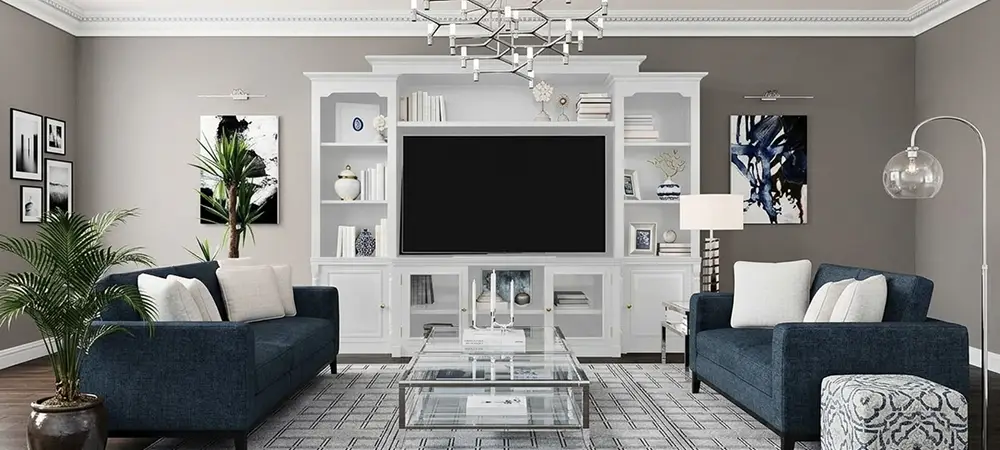
To find your ideal console height, measure from the floor to your seated eyes and subtract half your TV's screen height, then browse TV stands in that range.
Room Layout and Furniture Arrangement
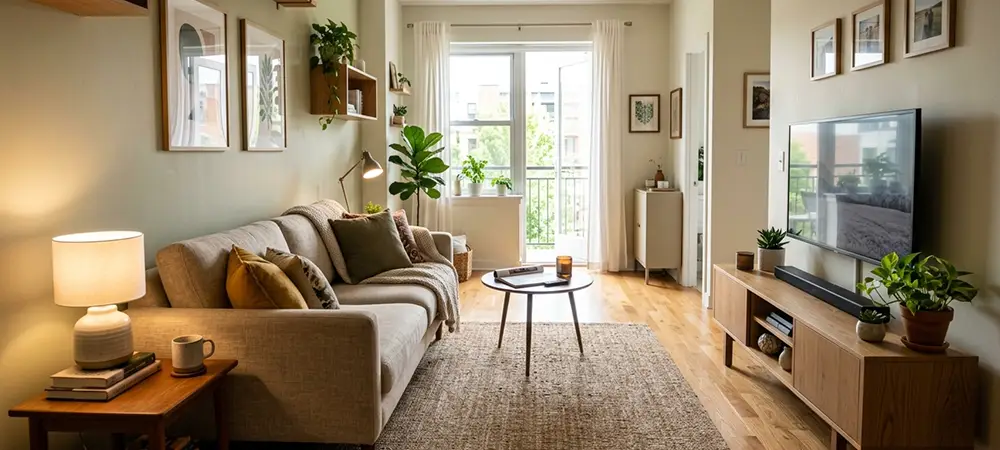
In a smaller room, flip the usual process. Instead of choosing a TV and hoping it fits, measure from where your eyes will be on the sofa to where the screen will be, and work backward to the largest comfortable TV size. That's the clearest way to answer "how far should the TV be from the couch?" when the walls set the limits.
Take a room that's 12 feet (144 inches) wall to wall. With the sofa against one wall, your eyes sit about 2 feet in from it, and the screen sits about 1 foot off the opposite wall. That leaves a viewing distance of roughly 108 inches. Divide by 1.6, and a 65-inch TV is your comfortable maximum; divide by 1.5, and a 4K set up to about 70 inches still works. Keep walkways at least 30 to 36 inches wide.
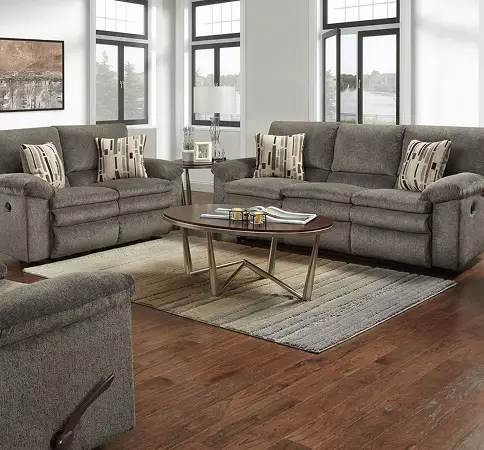
Recliners Need Room in Two Directions
A reclining sofa or chair needs clearance behind it to lay back and space in front for the footrest, and both affect how close you can realistically sit to the screen. Standard recliners often need a foot or more between the back and the wall. A wall-hugger design solves the back clearance by sliding the seat forward as it reclines. The Tosh Pewter Wall Hugger Power Recliner needs only 6" from the wall and reaches 69" fully reclined, so plan for about 75 inches from the wall to the tip of the footrest. Our guide to the disadvantages of recliner sofas covers other trade-offs.
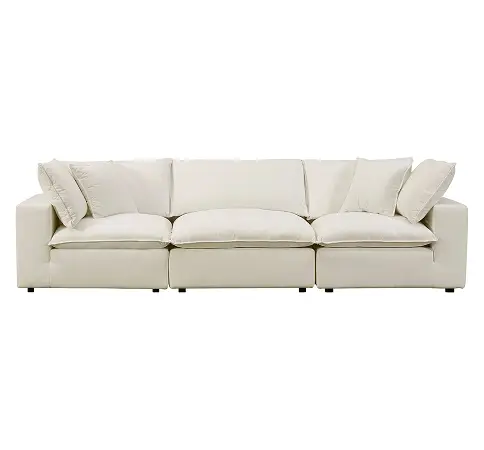
Modular Sofas Adjust the Distance for You
A modular sectional lets you change your viewing distance and angle without buying new furniture. Pull an armless piece forward for movie night, then reset for everyday use. The Cali Natural Performance Fabric Modular 120" Sofa combines corner and armless pieces into a 119.5"W x 40"D sofa with a deep 31" seat, which places your eyes well back from the front edge. Browse more sectionals if you need a different footprint.
Working with a big sofa in a tight room? See how to design a living room with large furniture.
Eye Strain and Physical Comfort
Even a perfectly measured setup can't fully prevent eye fatigue during long sessions. Focusing at one distance for an extended stretch tires the eye's focusing muscles, no matter how well the screen is placed.
Eye care professionals commonly recommend the 20-20-20 rule: every 20 minutes, look at something at least 20 feet away for 20 seconds. Watching with a soft lamp on, rather than in total darkness, also eases the contrast your eyes have to manage.
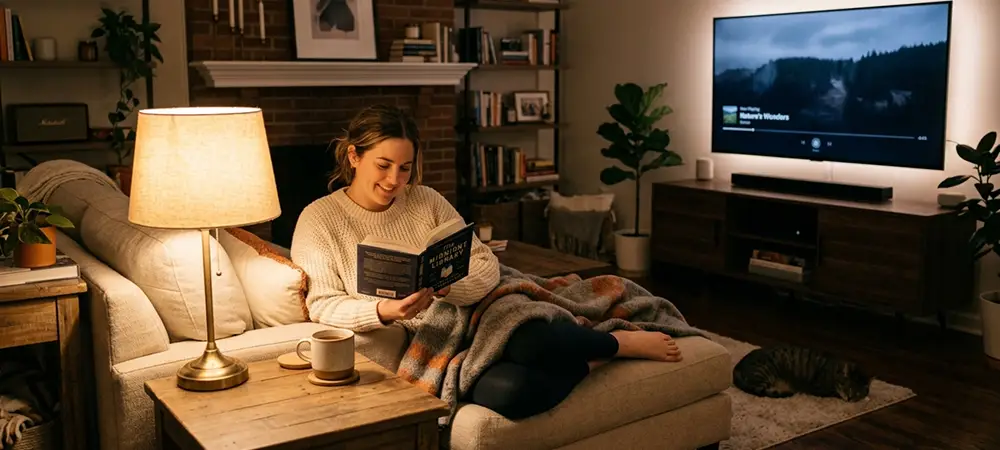
Posture matters as much as distance. A seat that's too deep can push you to perch on the edge and lean forward, and a TV mounted too high makes you crane your neck. Either one causes fatigue no formula can fix.
Personal Preference and Use Case
The "right" distance shifts with what's on the screen. Gaming benefits from sitting a bit closer, around the 1.2× to 1.5× range on a 4K TV, because a wider field of view feels more responsive and pulls you into the game. Casual or background viewing feels better farther back, at 1.6× or beyond, near the 30-degree end of the range.
Households with mixed use often do best splitting the difference. If one room hosts movie night, gaming, and everyday TV, landing in the middle of the recommended range works better than optimizing for one activity.

Treat personal comfort as the final check. If a technically correct distance still feels too intense or too far after a week, slide the sofa 6 to 12 inches and try again. The numbers get you close; your eyes tell you the rest.
Shop TV Stands with Coleman Furniture
So, how far should a couch be from a TV in your home? Start with the formula, then adjust for your room, your furniture, and how your family actually uses the space. The ideal distance is a starting range, not a strict rule.
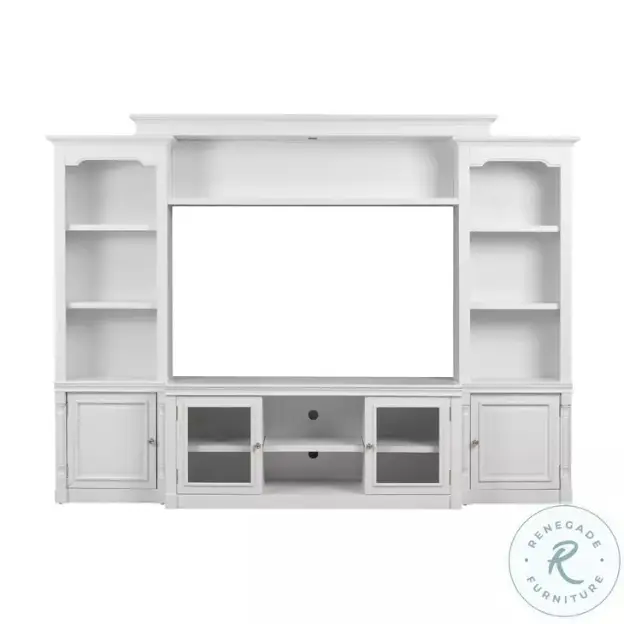
Entertainment Center
Virginia White Entertainment Center for TVs up to 65"
A 24-inch console with side towers and an LED bridge light, delivered white glove and fully set up.
TV Console
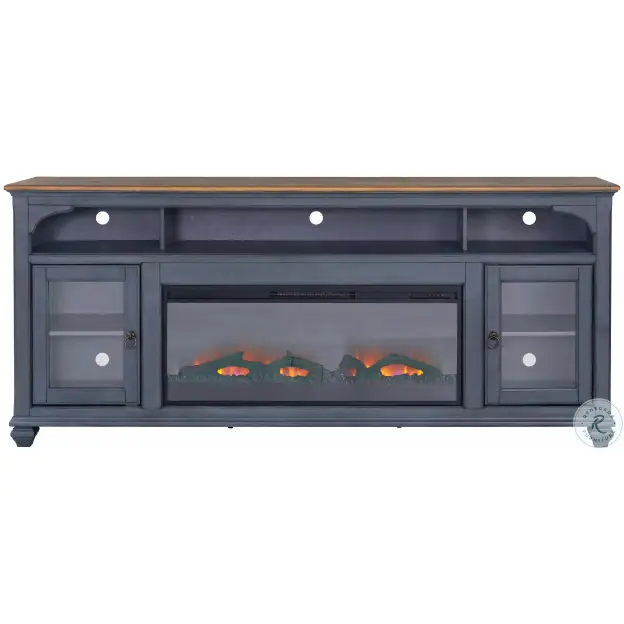
Americana Corduroy Blue And Brown 86" TV Stand with Fireplace
The 86 inch Fireplace TV Stand blends coastal and traditional styles with a timeless Corduroy Blue finish.
Media Wall
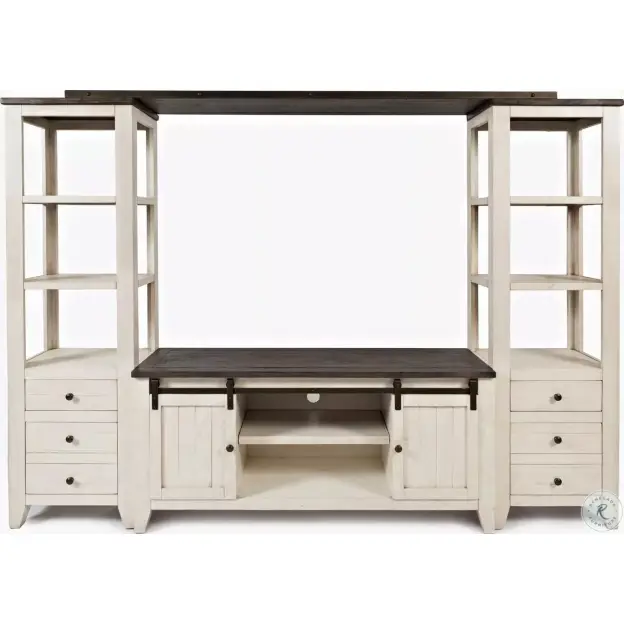
Madison County Vintage White 60" Entertainment Wall
Experience sophistication with our media wall, made from reclaimed pine. It adds rustic charm.
Coleman Furniture offers TV stands, entertainment centers, and sofas from trusted brands to help you build a TV room that's comfortable from every seat. When you're ready, explore our sofas and recliners to find seating that fits your TV space.
How Far Should the Couch Be From the TV FAQs
About 7 feet. Using the 1.5 to 1.6× formula, a 55-inch TV works out to 82 to 88 inches, or roughly 6.9 to 7.3 feet. With a 4K set, you can move closer, to about 5.5 feet, for a more cinematic feel, or sit farther back for general everyday viewing.
Roughly 8 to 8.5 feet (98 to 104 inches) for everyday viewing. A 4K set still looks sharp as close as about 6.5 feet.
Yes. A deeper seat places your eyes farther back from the front edge of the sofa, which can shift your effective viewing distance by several inches to over a foot. That's why you should measure from your eyes while seated, not from the sofa's front edge.
4K's higher pixel density lets you sit closer without seeing individual pixels, but resolution doesn't solve everything. Sitting closer than the recommended range can still cause eye strain and an overwhelming field of view, so stay at or beyond about 1.2 times the screen size.
